
Why Your Website’s Security Can’t Wait
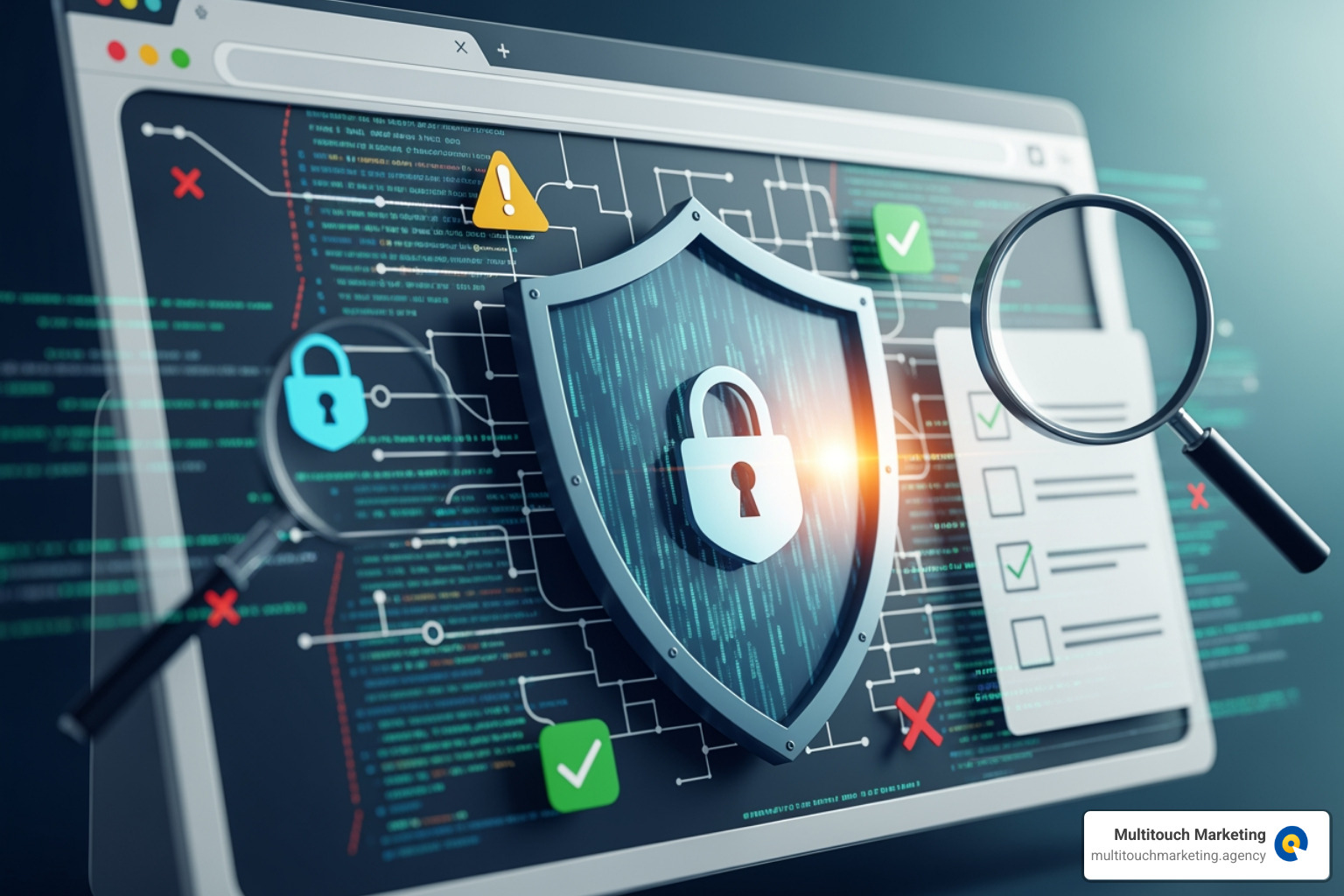
Website security audits are systematic evaluations of your website’s files, server, and configurations to identify vulnerabilities before cybercriminals exploit them. A comprehensive audit typically includes:
- Vulnerability Scanning: Automated checks for known security flaws and outdated software.
- Penetration Testing: Simulated attacks to test defenses and find exploitable weaknesses.
- Configuration Review: Analysis of server settings, file permissions, and access controls.
- Code Analysis: Examination of custom code for security gaps.
- Compliance Verification: Ensuring adherence to standards like GDPR, HIPAA, or PCI DSS.
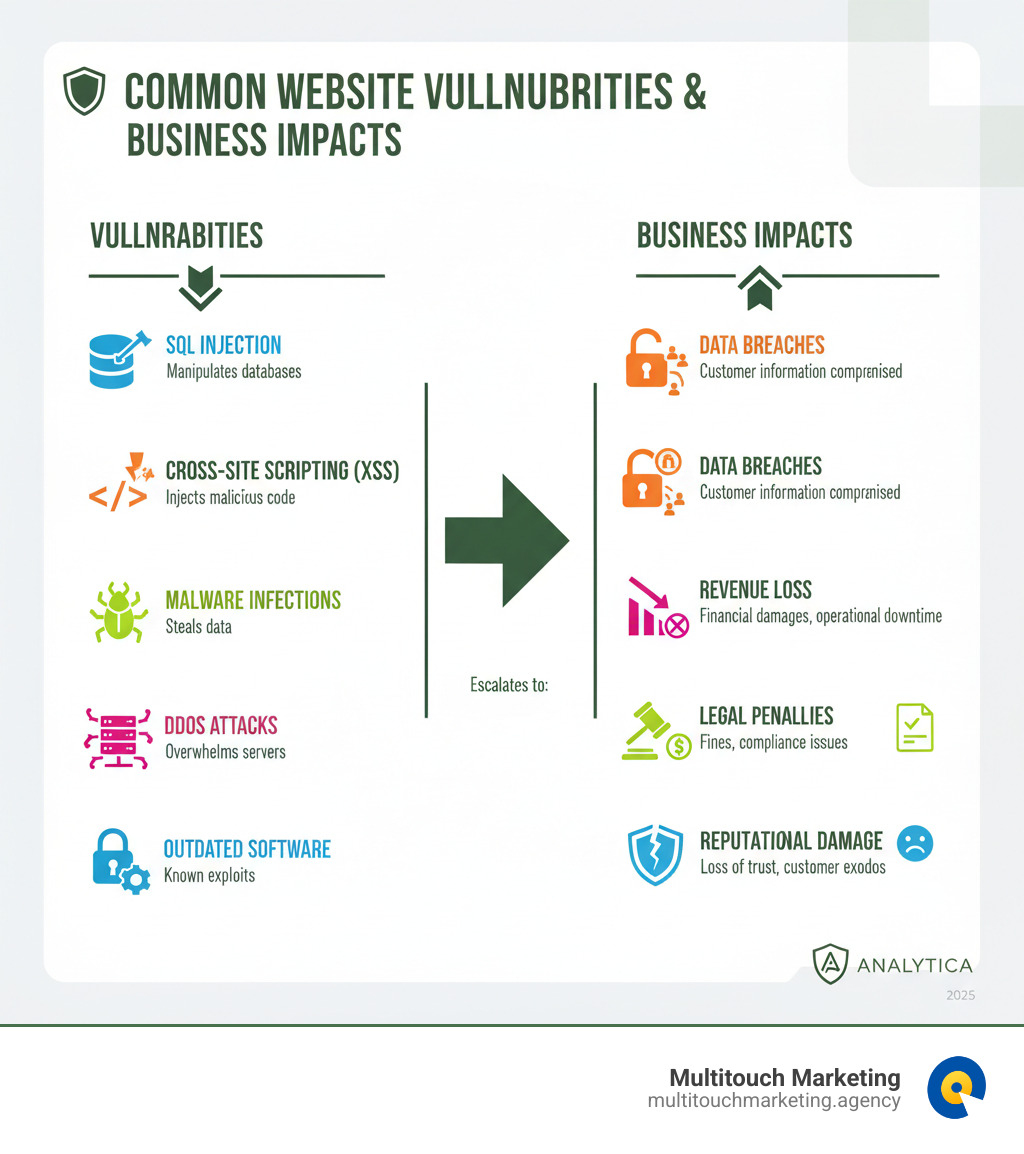
The stakes are high. A single cyber attack can lead to stolen customer data, severe financial loss, and a destroyed reputation. Common threats include SQL injection, cross-site scripting (XSS), malware, and DDoS attacks that can take your site offline.
If your website handles personally identifiable information (PII), regular security audits aren’t just recommended—they’re often legally required by data protection regulations. Waiting for a breach to assess your security is a risk most businesses can’t afford.
At Multitouch Marketing, we’ve seen how proactive security protects both technical infrastructure and business reputation. For our clients in healthcare, e-commerce, and beyond, a secure website is foundational to maintaining customer trust and campaign performance.
Understanding the Landscape of Website Security Audits
A website security audit is a comprehensive assessment of your organization’s security measures against established standards. It’s about examining everything from network configurations to data management to protect your digital assets. Different audits address different needs.
Vulnerability assessments are routine scans that use automated tools to find potential risks like unpatched software or misconfigured settings. They’re like checking for open uped doors on your property.
Penetration testing is more intensive. Specialists simulate real-world attacks to exploit weaknesses in a controlled way, showing you exactly how your defenses hold up under pressure. It’s like hiring an ethical hacker to test your security.
Compliance audits verify that your website meets specific industry regulations. If you handle health information (HIPAA), process credit cards (PCI DSS), or serve EU users (GDPR), these audits are essential to avoid fines and reputational damage.
The National Institute of Standards and Technology (NIST SP 800-82r3) defines a security audit as an “independent review and examination of a system’s records and activities,” providing a framework for these proactive security efforts.
Internal vs. External Audits: Which is Right for You?
You can conduct audits internally or hire external specialists.
Internal audits are performed by your own team. They know your systems well, which can speed up the process. However, they may have blind spots or lack the objectivity of an outsider.
External audits bring in third-party professionals who offer an unbiased perspective. Their broad experience helps them spot issues your team might miss, and their validation carries more weight with regulators. While external audits have a higher upfront cost—specialists can charge $100-$149 per hour, with audits ranging from $5,000 to over $100,000—the investment provides credibility and uncovers critical vulnerabilities.
The best approach often combines both: regular internal checks supplemented by periodic deep-dive assessments from external experts.
Best Practices for a Successful Audit
An effective website security audit is a strategic process, not just a one-off scan.
- Schedule Audits Regularly: Don’t wait for a problem. We recommend annual comprehensive audits, with quarterly reviews for high-risk areas and monthly automated scans to catch new threats.
- Involve Key Stakeholders: Security is a team sport. Include representatives from IT, legal, operations, and leadership to ensure the audit covers all business-critical aspects.
- Document Everything: A detailed report should document each vulnerability, its severity, potential impact, and remediation steps. This creates an actionable roadmap and demonstrates due diligence.
- Implement Continuous Monitoring: The threat landscape is always changing. Continuous monitoring tools provide real-time visibility into your security posture between scheduled audits, allowing for immediate responses.
Following these practices transforms audits from a checkbox exercise into a powerful tool for strengthening your defenses. For more on this, see our guide to website maintenance best practices.
Your Step-by-Step Guide to Performing a Security Audit
A thorough website security audit can be broken down into a structured process. This guide walks you through three phases to systematically uncover vulnerabilities.
Phase 1: Preparation and Information Gathering
Solid groundwork is essential for a successful audit.
- Define Audit Scope: Clearly determine what you’re examining—a single application, the entire website, or your broader IT infrastructure. Documenting your objectives prevents scope creep.
- Map Digital Assets: Create a complete inventory of all servers, databases, plugins, APIs, and third-party integrations connected to your website.
- Identify Application Entry Points: List all areas where users and data interact with your site, such as login forms, search bars, and file uploads. The OWASP Web Security Testing Guide provides guidance on mapping these paths.
- Review Server Configurations: Examine web server settings, network configurations, and application platform settings to ensure they aren’t exposing sensitive information.
Phase 2: The Essential Website Security Audits Checklist
Use a comprehensive checklist to ensure all critical components are evaluated.
- Identity and Access Management: Verify that access controls like Role-Based Access Control (RBAC) and Multi-Factor Authentication (MFA) are properly implemented. Enforce strong password policies and regularly review user permissions.
- Network Security: Scrutinize firewall rules and network segmentation to ensure sensitive systems are isolated. Confirm that intrusion detection systems are active.
- Data Protection: Assess encryption for data in transit and at rest. Review backup and recovery procedures and data handling policies to ensure sensitive information is safeguarded.
- Software Updates: Verify that your CMS core, plugins, themes, and all underlying software components are up to date. This is one of the most effective defenses against known exploits.
- Configuration Management: Compare current system settings against security best practices to identify misconfigurations that could create vulnerabilities.
- Physical Security: For on-premise infrastructure, assess physical access controls to data centers and server rooms. This is a key consideration for businesses in Raleigh, Durham, and Chapel Hill managing local hardware.
Phase 3: Executing the Audit with Manual and Automated Tools
The most effective audits combine automated speed with manual intelligence.
Automated vulnerability scanners quickly identify known weaknesses like unpatched software, SQL injection points, and Cross-Site Scripting (XSS) flaws. For a quick check, tools like Mozilla’s HTTP Observatory can evaluate your site’s basic security configurations.
However, scanners can’t think like an attacker. Manual penetration testing is where security professionals simulate real-world attacks to find complex vulnerabilities that automated tools miss, such as business logic flaws.
Business logic testing is a critical part of manual testing. It focuses on vulnerabilities unique to your website’s functionality, like manipulating a checkout process to bypass payment.
Input validation testing rigorously checks every user input field to ensure data is sanitized, preventing attacks like SQL injection and XSS that exploit poor validation.
Combining automated scanning with manual testing provides a comprehensive audit that truly stress-tests your defenses.
Analyzing Findings and Strengthening Your Defenses
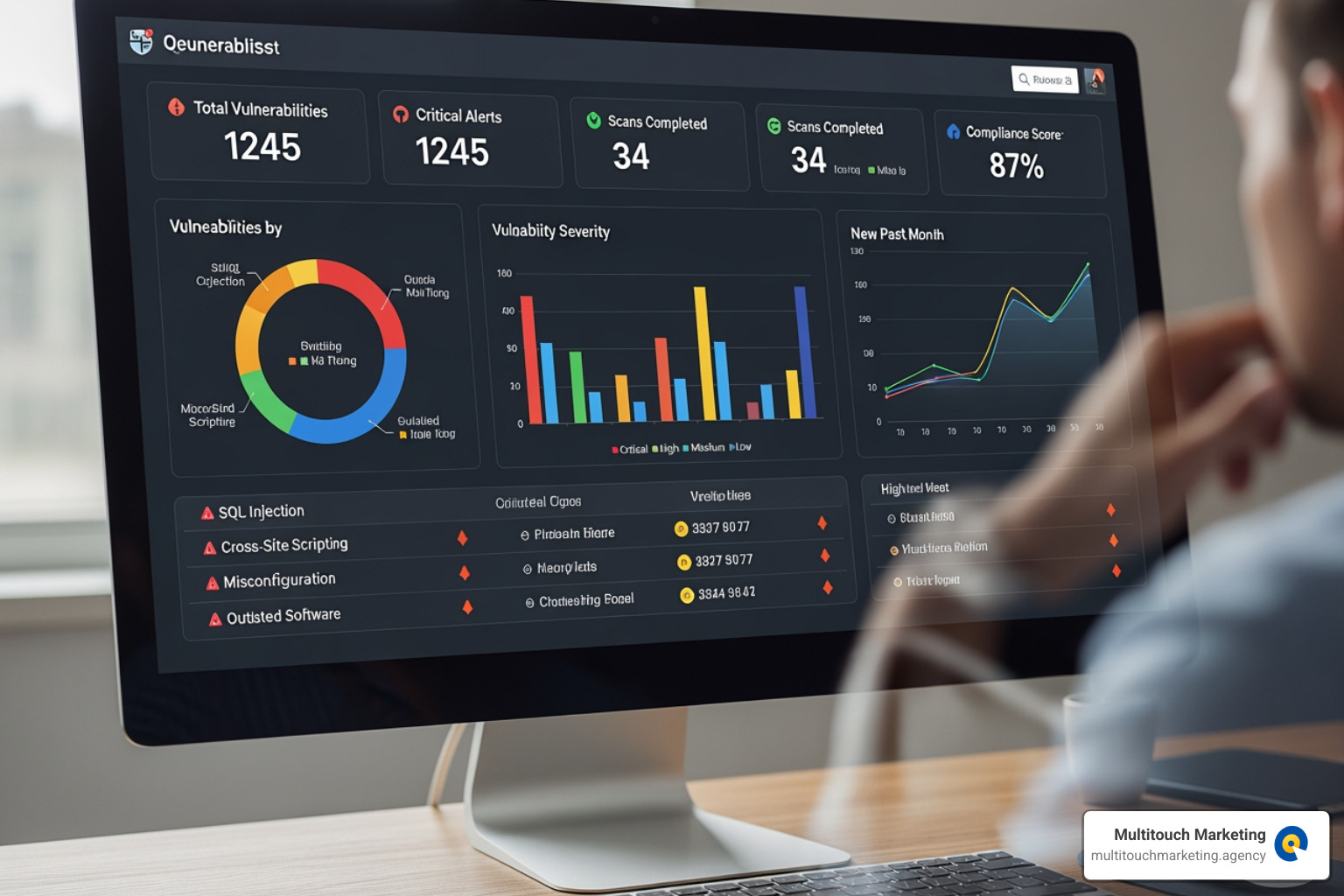
An audit’s true value lies in turning its findings into concrete security improvements. A good audit report prioritizes vulnerabilities by risk level (critical, high, medium, low) and provides clear, actionable steps for remediation.
Be prepared for post-audit costs. Remediation expenses often exceed the initial audit cost, especially if significant code changes or infrastructure upgrades are needed. Budget for both finding and fixing the problems.
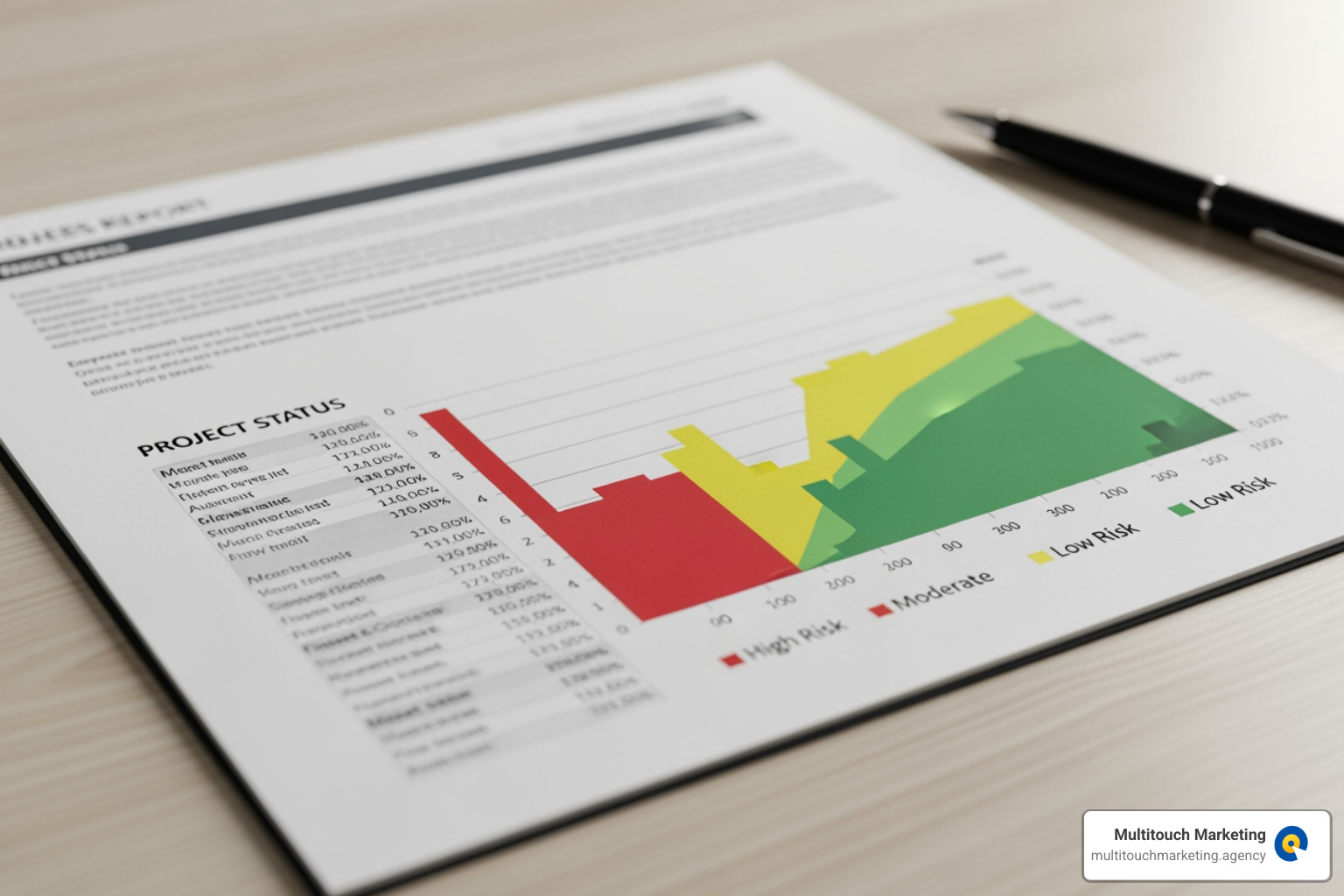
Your remediation plan should tackle critical vulnerabilities first, followed by medium and low-priority issues.
How Website Analytics Contribute to Security Audits
Your website analytics platform is a valuable early warning system for security threats.
- Traffic Anomalies: A sudden traffic spike from an unusual location could signal a botnet attack, while an unexpected drop might mean your site has been blacklisted due to malware.
- Suspicious User Activity: Multiple failed login attempts from one IP or a user trying to access restricted pages can indicate an attack in progress.
- Performance Drops: A sluggish website or a spike in server load could be caused by a Distributed Denial of Service (DDoS) attack or resource-draining malware.
The Critical Role of Backups in Your Security Strategy
No system is 100% invulnerable, which is why backups are your ultimate safety net. They are essential for disaster recovery, allowing you to restore your website quickly after an attack, hardware failure, or human error, minimizing downtime and financial loss.
If your site is compromised, you can perform data restoration from a clean backup to a version before the incident. However, backups are useless if they don’t work. You must verify backup integrity by regularly testing your recovery procedures in a staging environment.
Emerging Trends: The Future of Auditing
The field of website security audits is constantly evolving.
- AI-Improved Auditing: Machine learning is revolutionizing threat detection. AI can analyze vast datasets to identify patterns and predict risks, increasing detection accuracy from 70-80% to over 90% and reducing detection time from weeks to minutes.
- Continuous Validation: Modern security is shifting from periodic audits to always-on monitoring. Programs like Continuous Threat Exposure Management (CTEM) use automated tools to constantly assess your security posture.
- Cloud Security Auditing: As businesses move to the cloud, audits must adapt. Specialized methodologies are needed to evaluate multi-cloud identity management, shared responsibility models, and API security.
- Supply chain security auditing: Your website’s security depends on its third-party components (plugins, themes, services). Modern audits now evaluate the security of your entire supply chain, as attackers increasingly target these weaker links.
Frequently Asked Questions about Website Security Audits
We often get questions from our clients in Raleigh, Durham, and Chapel Hill about the practicalities of website security audits. Here are answers to the most common ones.
What are the typical costs associated with a security audit?
The cost of a website security audit varies based on several factors:
- Scope and Complexity: A basic scan for a simple site is affordable, while a comprehensive penetration test for a large e-commerce platform is a significant investment.
- Audit Type: A compliance audit for PCI DSS will have a different cost structure than a general vulnerability assessment.
- Internal vs. External: Using your internal team may seem cheaper, but external specialists ($100-$149/hour) provide objectivity and expertise that justifies the cost. Audits can range from around $5,000 for small businesses to over $100,000 for large enterprises.
Remember to budget for remediation, as fixing the identified issues can often cost more than the audit itself.
How can we leverage security audit findings to improve our overall security posture?
An audit report is a roadmap for a safer website. Use it to:
- Create a Remediation Plan: Use the report’s prioritized list of vulnerabilities to tackle critical issues first, then move on to less severe threats.
- Update Security Policies: If the audit reveals gaps in your processes (e.g., weak password rules), update your internal policies to strengthen them.
- Conduct Employee Training: Use audit findings to create targeted training that addresses human-related vulnerabilities, turning your team into a stronger line of defense.
- Inform Strategic Decisions: Security findings should inform future projects, like a website redesign, to build security in from the start.
How often should we perform website security audits?
The ideal frequency depends on your risk profile, but a tiered approach works best for most businesses:
- Annually: Conduct a comprehensive audit of your entire security infrastructure at least once a year.
- Quarterly: Perform focused reviews on high-risk areas or after significant changes, like launching a new feature.
- Monthly: Run automated scans to catch new vulnerabilities and outdated software.
- Continuously: Use real-time monitoring for your most critical security controls to detect threats immediately.
Additionally, perform an audit immediately if you notice any suspicious activity, such as a sudden drop in traffic or unusual user accounts.
Conclusion
Your website is the front door to your business, and its security is non-negotiable. A data breach doesn’t just cost money; it destroys customer trust and can cripple your reputation. This is why website security audits are not a luxury but a foundational business practice.
We’ve covered the different types of audits, a step-by-step process for conducting them, and how to turn findings into stronger defenses. The key takeaway is that proactive security is always smarter and more cost-effective than reactive cleanup. A secure website builds confidence, demonstrates professionalism, and gives you peace of mind to focus on growing your business.
For businesses in Raleigh, Durham, Chapel Hill, and across North Carolina, maintaining a secure, high-performing website requires ongoing expertise. At Multitouch Marketing, we understand that effective digital marketing rests on a secure foundation. We help clients ensure their websites are not only optimized for performance but also protected against evolving threats.
Don’t wait for a security incident to take action. Secure your digital assets with our website maintenance plans and keep your website a trusted platform for your customers.