

Why the Web Needs to Flow, Not Snap
Fluid responsive design is a web design approach using proportional units (like percentages) to create layouts that scale smoothly across all screen sizes, rather than jumping between fixed layouts at specific breakpoints.
Key characteristics of fluid responsive design:
- Proportional scaling – Elements resize relative to their container or viewport
- Relative units – Uses %, vw, vh, em, rem instead of fixed pixels
- Continuous adaptation – Layouts adjust seamlessly without breakpoints
- Future-proof – Works on any device size, including those not yet invented
- Improved UX – Provides a consistent experience across all screen dimensions
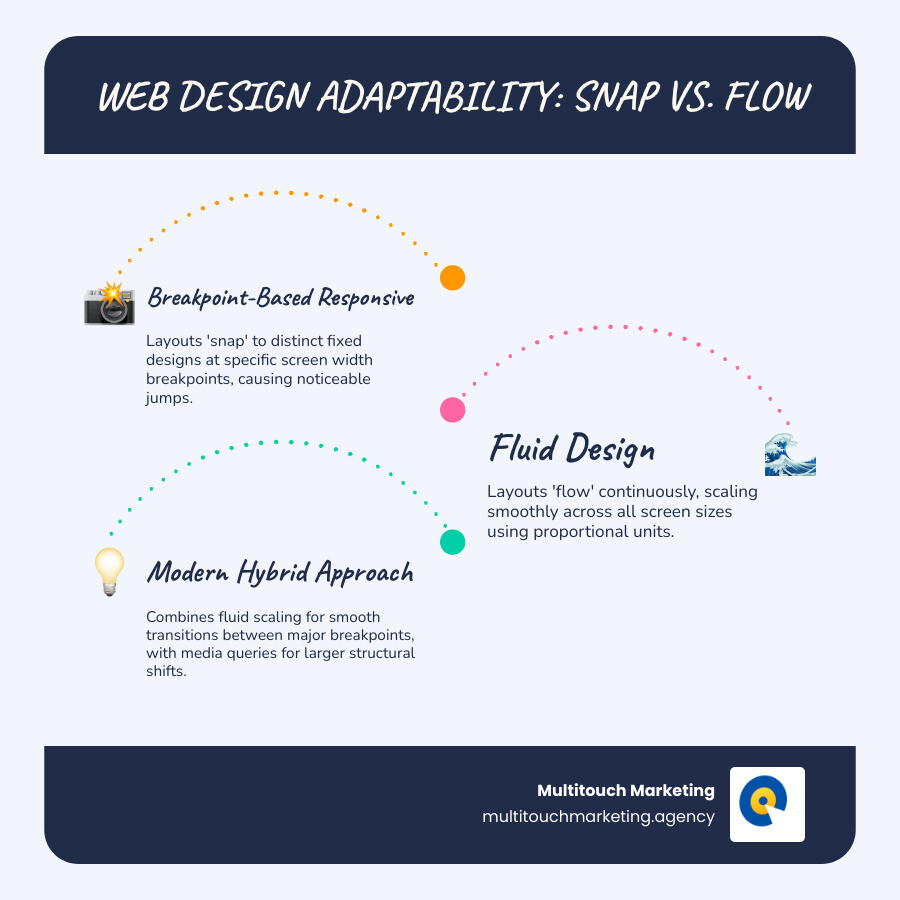
In the early 90s, websites were built for one screen size. Today, they must look perfect on everything from smartphones to smart fridges, as mobile visitors account for 51% to 75% of total website traffic. Traditional responsive design used breakpoints—specific widths where layouts would snap from one design to another. It worked, but often felt clunky.
Fluid design takes a different approach. Instead of creating separate layouts that snap into place, it creates a single layout that flows and scales proportionally, like water adapting to its container. This is crucial because Google uses mobile-first indexing, meaning your mobile site directly impacts search rankings. A fluid experience also keeps visitors engaged longer, improving conversion rates.
I’m Milton Brown, and since 2008 I’ve managed digital marketing campaigns for organizations with budgets ranging from $20,000 to $5 million. Understanding Fluid responsive design has been key to creating websites that not only look great but also convert visitors, no matter the device.
The Spectrum of Web Design: Fluid vs. Responsive vs. Adaptive
To understand fluid responsive design, it helps to know how web design has evolved. Knowing these different approaches will help you appreciate why fluid design is such a game-changer.
Fixed-width design
In the mid-1990s, designers built for 640×480 monitors. As screens grew, these fixed-width sites left huge empty spaces or forced horizontal scrolling—a “one size fits nobody” problem.
Adaptive Web Design (AWD)
Adaptive design was an early fix, serving multiple fixed layouts for specific screen sizes (e.g., desktop, tablet, phone). As Aaron Gustafson explains in Adaptive Web Design, it adapts to user capabilities. However, this means maintaining separate layouts, a costly nightmare when new devices appear.
Responsive Web Design (RWD)
In 2010, Ethan Marcotte’s “responsive web design” changed the game. Using a single codebase, it combines fluid grids, fluid media, and CSS media queries to trigger layout changes at specific breakpoints. Google rewarded this mobile-friendly approach. Our Beginners Guide to Responsive Web Design Principles has more details.
Fluid Design
Pure fluid design stands out by using relative units like percentages for continuous, proportional scaling without hard breakpoints. The content literally flows to fill whatever space it’s given. Check out this simple fluid layout example and try resizing your browser to see it in action.
| Feature | Fixed-width Design | Adaptive Web Design (AWD) | Responsive Web Design (RWD) | Fluid Design |
|---|---|---|---|---|
| Layout Method | Single, rigid pixel-based layout | Multiple fixed layouts per breakpoint | Single flexible layout with breakpoints | Single, continuously scaling layout |
| Flexibility | Very Low | Moderate | High | Very High (continuous) |
| User Experience | Inconsistent across devices | Optimized for specific devices, can “jump” | Good, adapts to most devices, can “snap” | Seamless, smooth, consistent across all sizes |
| Development Effort | Low (initial), High (maintenance for new devices) | High (multiple designs/codebases) | Moderate to High (single codebase, media queries) | Moderate (relative units, modern CSS), can be complex for intricate layouts |

Notice the difference? Adaptive design “jumps” abruptly between fixed layouts, while fluid design “flows” continuously as the browser window resizes.
What Defines Fluid Responsive Design?
Fluid responsive design creates sites that adapt naturally through proportional scaling. Instead of fixed pixels, elements use relative units instead of absolute pixels (%, vw, vh, em/rem) to scale with their container. The result is a consistent user experience with seamless adjustment across all devices, eliminating awkward jumps and broken layouts.
How Responsive and Adaptive Designs Differ
Modern responsive design is often a hybrid approach, blending fluid principles with strategic breakpoints via CSS media queries. The design flows fluidly between breakpoints, where major structural changes occur (like a menu becoming a hamburger icon). You can learn more in Mozilla’s guide to CSS Media Queries.
Adaptive design is different; it serves distinct, pre-built layouts for different device categories. It offers precise control but requires more work and struggles with new screen sizes. The best modern websites use fluid responsive design—smooth scaling combined with thoughtful layout shifts only when necessary.
Core Principles and Modern Techniques for Fluid Responsive Design
To accept fluid responsive design, you must shift from fixed sizes to creating systems that naturally adapt and flow.
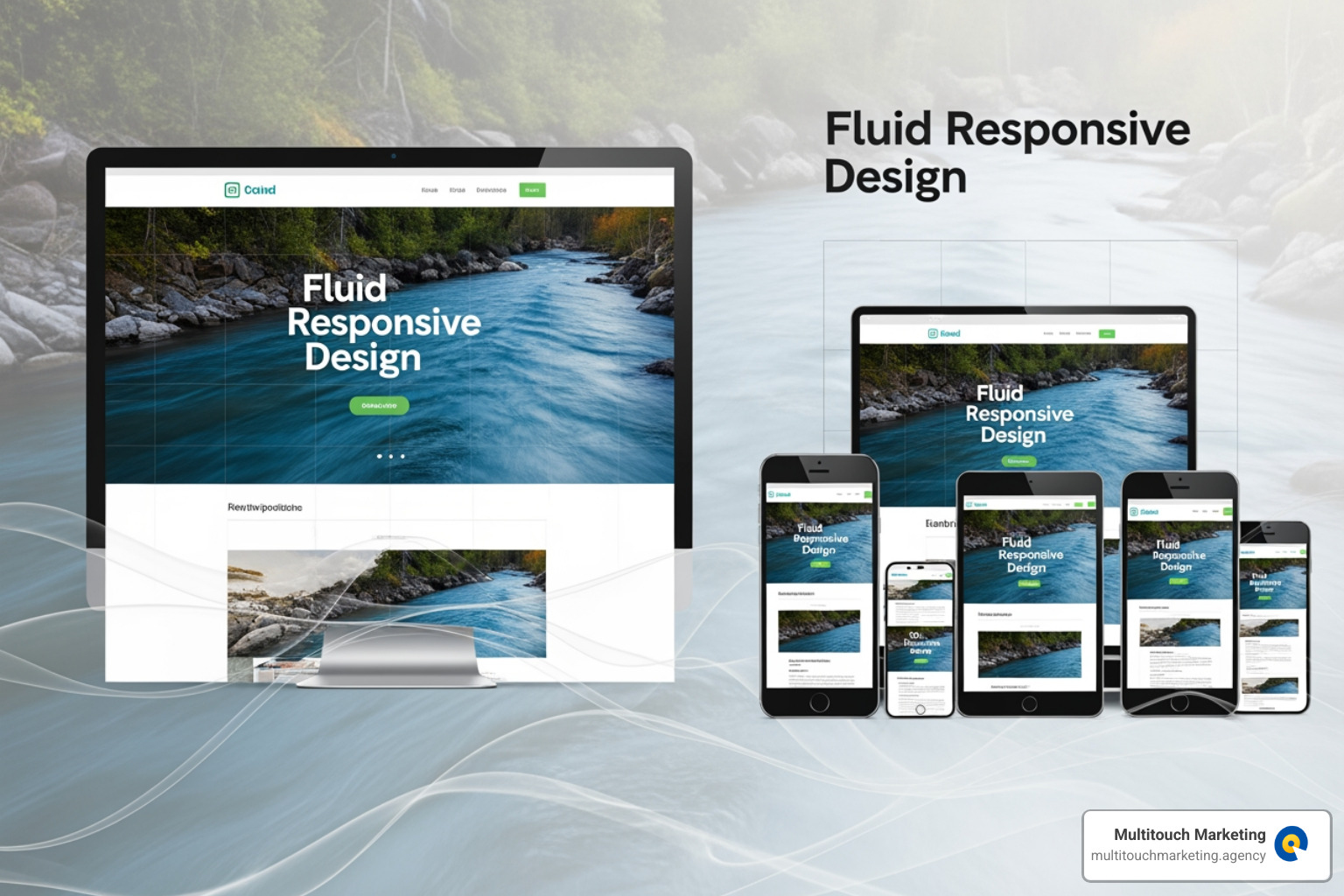
The core of fluid design is the shift from pixels to percentages. Instead of a “300px” sidebar, you use “30% of the container width.” As Smashing Magazine’s Fixed vs. Fluid Layouts guide explains, this ensures proportions remain consistent across all screen sizes.
Another key technique is fluid media using max-width: 100%. This simple CSS rule prevents images and videos from overflowing their containers, scaling them down proportionally on smaller screens. It’s a neat solution to a common problem.
Thankfully, Modern CSS capabilities like Flexbox and Grid make implementing fluid designs easier than ever, providing powerful, purpose-built tools for flexibility.
Mastering Relative Units for True Fluidity
Choosing the right unit of measurement is the secret to fluid layouts:
Percentage (%) widths are the foundation, making elements take up a proportional share of their parent container’s width. This maintains visual balance across screen sizes.
Viewport Units (vw, vh) for scaling type and space scale directly with the browser window (1vw = 1% of viewport width). They’re great for hero sections or fluid typography. Warning: Never use them alone for text, as it can break user zooming. Instead, combine them with fixed units using CSS calc(), like font-size: calc(16px + 1vw). Explore more in our guide to responsive web design techniques.
EM and REM units for accessible typography are crucial for respecting user preferences. rem (relative to root font-size) and em (relative to parent font-size) allow your entire layout to scale when users adjust their browser’s default text size—a critical accessibility feature.
Leveraging CSS Flexbox and Grid for Fluid Layouts
Modern CSS offers two powerful layout systems for fluid responsive design: Flexbox and CSS Grid.
Flexbox for one-dimensional alignment is ideal for arranging items in a single row or column. It allows items to flex or shrink to fill available space, perfect for navigation menus or aligning items in cards.
CSS Grid for complex two-dimensional layouts controls both rows and columns simultaneously. Using relative units like fr (fractional) units with Grid creates layouts that automatically adapt, like a three-column blog seamlessly becoming a single column on mobile.
Combining techniques for robust structures is common practice. You might use Grid for the overall page structure and Flexbox for arranging items within a section. This layered approach provides control while maintaining fluidity.
The best part is their intrinsic responsiveness. Both Flexbox and Grid adapt naturally based on the rules you define, often without needing breakpoints. This is the essence of fluid design: creating systems that inherently know how to adapt.
The Business Case: Why Fluid Design Boosts UX and SEO
Fluid responsive design isn’t just a technical preference; it’s a strategic investment that impacts user experience, search rankings, and revenue.

Superior User Experience (UX)
Users switch between laptops, tablets, and phones constantly. Fluid responsive design makes this journey seamless. Without jarring layout shifts or usability issues, users stay focused on your content, not a clunky interface. This leads to lower bounce rates, higher engagement, and better conversion rates.
Future-proofing for new devices
Fluid design is future-proof. Because it scales continuously with relative units, it automatically adapts to new devices like foldable phones without requiring a redesign. This makes it an economical, long-term investment.
Performance benefits
Speed is critical; a Google study found that 53% of mobile users abandon sites that take longer than three seconds to load. Fluid layouts are often faster. A single, scalable codebase with modern CSS is leaner, resulting in faster page loads, happier users, and better search rankings.
Accessibility improvements meeting WCAG reflow criteria
Fluid responsive design inherently supports accessibility, particularly the WCAG reflow criteria. This guideline requires content to reflow to a single column without horizontal scrolling. Fluid layouts do this automatically, benefiting users with vision impairments or those who use screen magnification.
Positive impact on SEO Search Engine Optimization through Google’s mobile-first indexing
Since 2019, Google has used mobile-first indexing, meaning your mobile site’s quality determines your search ranking. A poor mobile experience hurts your visibility. A fluid responsive site checks all of Google’s boxes: it’s fast, mobile-friendly, consistent, and accessible. These signals tell search engines your site deserves to rank well.
At Multitouch Marketing, our SEO Search Engine Optimization expertise is built on the foundation of a technically sound, responsive website being essential for competing in today’s digital landscape.
Implementation: Best Practices and Common Pitfalls
Effective implementation of a fluid responsive design requires careful planning for the full spectrum of devices.
Start with a mobile-first approach. Design for the smallest screen first, focusing on core content and functionality, then improve the layout for larger screens. This leads to leaner, faster sites where content should drive your design decisions.
Here are essential practices for fluid responsive design:
- Use relative units consistently – Build with percentages, viewport units, and
em/rem. - Employ Flexbox and CSS Grid – These modern CSS tools are built for flexibility.
- Implement
max-width: 100%for media – Ensure images and videos never break their containers. - Prioritize SVG for graphics – Vector graphics stay sharp at any size.
- Test thoroughly across devices – Nothing beats testing on actual phones and tablets.
- Combine with media queries strategically – Use breakpoints for major structural changes.
- Consider user context – Adapt navigation and features for different devices.
Pitfall of unconstrained widths on large screens
A common pitfall is letting layouts become too wide on large screens, making text difficult to read. The fix is simple: set a max-width (e.g., 1200px) on your main content containers. This allows the layout to be fluid up to a sensible point, maintaining readability.
Pitfall of overly complex code
Avoid overly complex code. While modern CSS is powerful, simple, maintainable code is always better in the long run.
The importance of testing across resolutions
Finally, test your designs on real devices. Browser resizing is not enough to catch touch-specific issues or performance quirks. Whether your audience is in Raleigh, Durham, Chapel Hill, or elsewhere, they use a variety of devices. At Multitouch Marketing, we know that proper testing is essential to ensure a flawless experience that converts visitors into customers.
Frequently Asked Questions about Fluid Web Design
Let’s clear up some common questions about fluid responsive design.
Is fluid design better than responsive design?
Fluid design isn’t a replacement for responsive design; it’s an evolution. Modern responsive design has absorbed fluid principles. While a purely fluid approach works for simple sites, complex layouts can become awkward on very large or small screens. The best solution is a hybrid approach, combining fluid scaling with strategic breakpoints.
Can a website be both fluid and responsive?
Absolutely, and this is the modern standard. A site can use fluid responsive design techniques (percentages, flexible images) to scale smoothly, while media queries trigger major layout changes at key breakpoints. For example, a three-column layout might flow fluidly on a desktop, then use a breakpoint to cleanly switch to two columns on a tablet. This gives you both seamless adaptation and precise control.
Does fluid design work for complex, content-heavy websites?
Yes, but it requires a hybrid strategy. For a content-heavy site like a news platform or e-commerce store, a purely fluid approach would make content unreadable on mobile. Instead, we use fluid principles within certain screen size ranges, then use breakpoints to re-architect the layout. This could mean re-stacking a multi-column article layout into a single column, changing a complex horizontal navigation menu into a hamburger menu, or hiding secondary sidebars on smaller screens to ensure the site remains usable and engaging on any device.
Conclusion: Embracing a More Flexible Future for the Web
Web design has evolved from rigid, fixed layouts to the sophisticated approaches of today. Fluid responsive design is the next step in this journey—a philosophy that creates experiences that flow seamlessly across all screens, rather than just accommodating them.
By using relative units and modern CSS like Flexbox and Grid, we can build websites that adapt continuously. This isn’t just about aesthetics; it’s about meeting key business goals. The benefits are clear: a seamless user experience reduces bounce rates and increases conversions. Future-proofing saves money on future redesigns. Improved accessibility widens your audience. And crucially, it aligns with Google’s mobile-first indexing, boosting your SEO.
The best modern websites use a hybrid approach, combining fluid scaling with responsive breakpoints for major structural shifts. This delivers the best experience across the full spectrum of devices.
Since 2008, Multitouch Marketing has helped businesses in Raleigh, Durham, and Chapel Hill steer digital marketing. We know a technically sound website is the foundation for success. Fluid responsive design is a crucial piece of that puzzle, ensuring your site looks great, loads fast, and ranks well.
The future of the web is fluid and adaptable. Providing a flawless experience on every device isn’t just good design—it’s good business.
Ready to ensure your website provides a flawless experience on every device? Learn more about our Responsive Web Design services.