

Why a Fast Website is Non-Negotiable
Improve website speed and you’ll transform your online presence. Here’s what matters most:
Quick Wins to Improve Website Speed:
- Optimize images – Compress and resize to appropriate dimensions
- Enable browser caching – Store static files locally for repeat visitors
- Minify CSS, JavaScript, and HTML – Remove unnecessary code
- Use a Content Delivery Network (CDN) – Serve content from servers closer to users
- Reduce HTTP requests – Limit the number of files loaded per page
- Choose quality hosting – Upgrade from shared hosting if needed
- Implement lazy loading – Delay loading offscreen images and videos
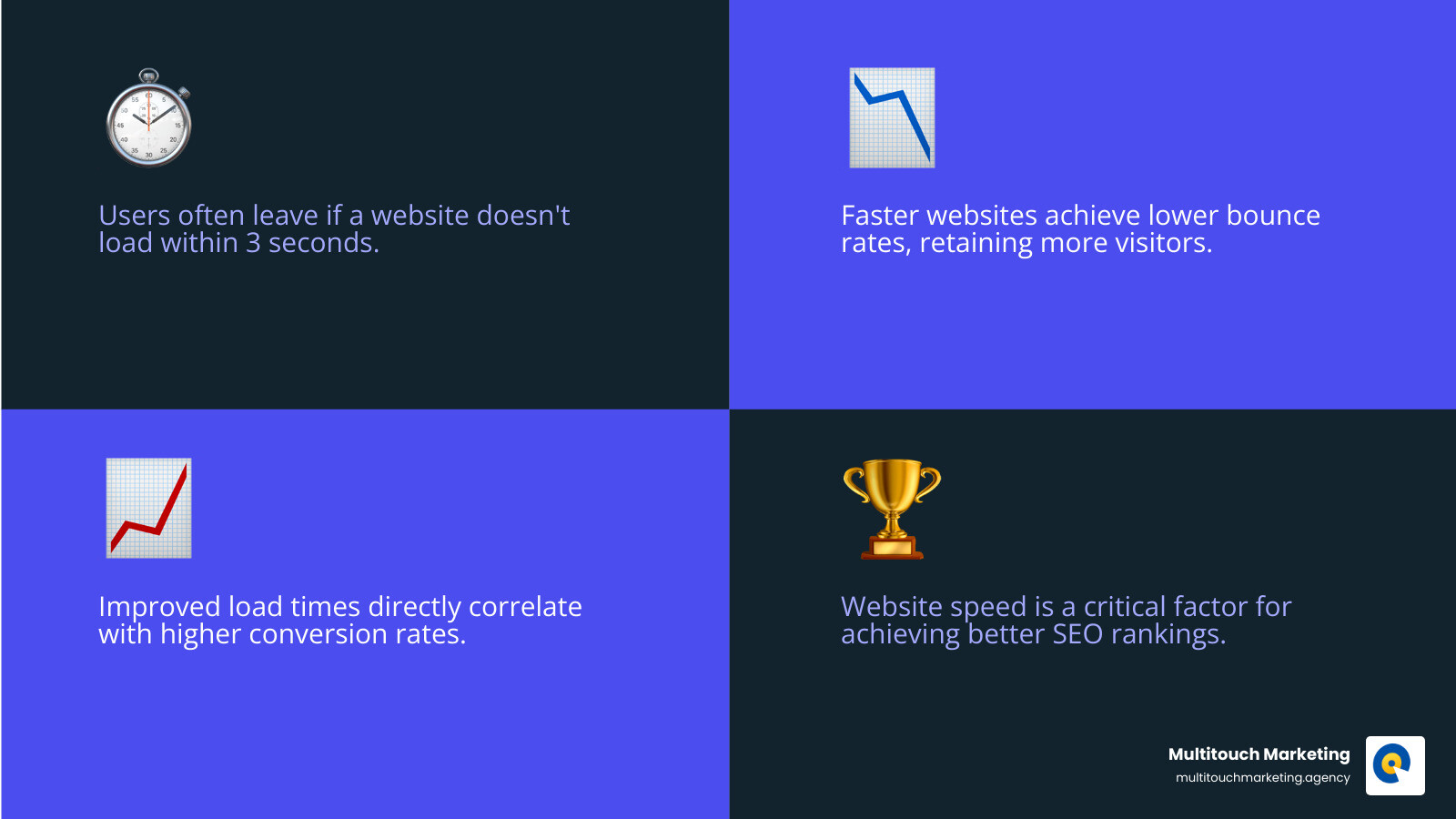
Your website has less than 3 seconds to capture a visitor’s attention before they lose focus and potentially bounce. A slow website isn’t just frustrating—it’s costing you customers and revenue. Research shows that faster websites often enjoy lower bounce rates, higher conversion rates, better SEO rankings, and an overall superior user experience. Every second of delay can mean lost conversions and abandoned carts.
I’m Milton Brown, and I help organizations improve website speed through strategic digital marketing and performance optimization. Whether you’re running an e-commerce store, a service business, or a content site, the principles of speed optimization remain the same.
Find more about Improve website speed:
- website maintenance and support
- website maintenance best practices
- website maintenance services includes
How to Measure and Diagnose a Slow Website
Before you can fix a slow website, you need to understand the problem. Measuring and diagnosing your site’s speed is the crucial first step. Website speed refers to how quickly your site’s content loads and becomes interactive for users. It’s a key indicator of user experience and directly impacts business goals. A slow site leads to frustration and lost conversions, while a fast one keeps users engaged and improves satisfaction, which is vital for businesses in Raleigh, Durham, or Chapel Hill, NC.
Fortunately, powerful tools can help. Google Lighthouse, found in Chrome’s DevTools, runs a comprehensive audit of your site’s performance, accessibility, and SEO. PageSpeed Insights also measures performance using user-centric metrics and provides actionable suggestions. These tools use both “lab data” (simulated environments) and “field data” (real user experiences) for a complete performance picture.

Understanding these reports is key to knowing where to focus our efforts. For comprehensive maintenance and ongoing support to keep your site running smoothly, explore our Website Maintenance and Support services.
Understanding Core Web Vitals
When we talk about website performance, we focus on Core Web Vitals (CWV). These are three user-centric metrics Google uses to measure user experience: loading, interactivity, and visual stability.
Let’s break them down:
-
Largest Contentful Paint (LCP): This measures loading performance. It’s the time it takes for the largest content element (like an image or text block) to become visible. A good LCP is 2.5 seconds or less.
-
Interaction to Next Paint (INP): This metric assesses responsiveness to user interactions like clicks and taps. It reports the longest interaction observed. A good INP is 200 milliseconds or less. A low INP makes your site feel fast and reliable.
-
Cumulative Layout Shift (CLS): This measures visual stability by quantifying unexpected layout shifts during loading. A good CLS score is 0.1 or less. Low CLS prevents frustrating experiences, like elements moving as you try to click them.
These metrics directly impact user experience and search engine rankings, as Google uses them as a ranking signal. You can dive deeper into these thresholds and their criteria directly from Google’s developers guide: Defining Core Web Vitals thresholds.
Key Factors That Contribute to Slow Loading Times
Now that we know how to measure, let’s look at the culprits. Understanding these factors is the first step to knowing how to improve website speed.
Here are the main contributors we often encounter:
- Large Images and Media: High-resolution images or uncompressed videos are often the biggest bandwidth hogs, significantly increasing load times.
- Unoptimized Code (CSS, JavaScript, HTML): Bloated, unminified, or poorly written code forces browsers to do extra work, delaying rendering.
- Excessive HTTP Requests: Every file your website needs (images, CSS, JavaScript) requires a separate request to the server. Too many requests can slow down the loading process.
- Slow Server Response (Time to First Byte – TTFB): This is the time it takes for your browser to receive the first byte of data from the server. A slow TTFB can be due to poor hosting, inefficient database queries, or unoptimized application logic. A TTFB below 200ms is great, while over 600ms needs investigation.
- Third-Party Scripts: External scripts for analytics, ads, or social media can introduce significant delays, especially if they are not optimized.
- Inefficient Hosting: Shared hosting, while economical, can be a bottleneck if other sites on the server are busy, impacting your performance.
- Redirect Chains: When a URL redirects multiple times before reaching the final page, it adds extra round-trip times, delaying content delivery.
- Render-Blocking Resources: JavaScript or CSS files that the browser must download and execute before rendering any content will cause the user to see a blank screen.
Addressing these common issues systematically is how we begin to improve website speed for our clients in Raleigh, Durham, and Chapel Hill, NC.
Core Strategies to Improve Website Speed
Now that we’ve identified the common culprits, let’s dive into the core strategies to improve website speed. These fall into three categories: on-page, server-side, and network optimization. By addressing these, we create a faster, more responsive user experience. Implementing a Responsive Web Design from the start is a great way to ensure speed is built into your site’s DNA.

Optimize Your Visuals: Images and Media
Images and other media are often the heaviest elements on a webpage, making them prime targets for optimization. We’ve seen websites load significantly faster just by implementing smart visual optimization techniques.
Here’s our playbook:
- Image Compression: Use tools to compress images, which can significantly reduce file size without a noticeable impact on quality.
- Resizing Images to Appropriate Dimensions: Don’t serve a 4000px wide image if it’s only displayed at 800px. Sizing images correctly for their display area prevents wasting bandwidth. You can read this MDN guide for using responsive images correctly. Shopify also has a good guide on how to optimize image sizes.
- Modern Formats (WebP, AVIF): These next-gen image formats offer superior compression and quality compared to JPEG and PNG. We advocate for using these formats where browser support allows.
- Lazy Loading: For images and videos “below the fold,” lazy loading defers their loading until a user scrolls near them, speeding up the initial page load.
- Responsive Images: Using
srcsetandsizesattributes in HTML lets the browser choose the best image size for the user’s device, ensuring mobile users don’t download large, unnecessary files. Our Responsive Web Design for All Devices services can help ensure your images are delivered optimally.
By carefully managing your visual content, we can dramatically improve website speed and improve user experience.
How to Improve Website Speed by Optimizing Code
Your website’s code – HTML, CSS, and JavaScript – is the backbone of its functionality and appearance. Unoptimized code can be a heavy burden, slowing down rendering and interactivity. Here’s how we streamline it to improve website speed:
- Minification (CSS, JavaScript, HTML): This process removes unnecessary characters from code (like comments and whitespace) without changing its function, which reduces file size and speeds up downloads.
- Concatenation: Combining multiple CSS or JavaScript files into one can reduce HTTP requests. With modern HTTP/2 and HTTP/3 protocols, this is less critical, but we assess the best approach for each site.
- Deferring JavaScript: Using the
deferattribute for non-critical scripts tells the browser to download them in the background and execute them only after the HTML has been fully parsed, preventing them from blocking page rendering. - Removing Render-Blocking CSS/JS: For critical CSS (styles needed for the initial view), we can inline it directly into the HTML. Non-critical CSS and JavaScript should be deferred or removed if not essential. Optimizing the Critical Rendering Path is key.
- Code Splitting: For large JavaScript applications, we break the code into smaller “chunks” that are loaded on demand. This means users only download the code they need for the part of the site they’re viewing.
- Using
asyncordefer: These attributes are vital for controlling how JavaScript loads.asyncscripts download in the background and run when ready, whiledeferscripts also download in the background but run in order after the HTML is parsed. We follow Google’s guidance to choose the best approach.
By carefully optimizing your code, we not only speed up page rendering but also improve the overall responsiveness of your website. For more insights on how these optimizations tie into your online visibility, check out our SEO Tactics for Developing Websites.
Improve Server and Network Performance
Even with perfectly optimized images and code, a slow server or inefficient network delivery can sabotage your website’s speed. This is where server-side and network performance optimization come into play.
- Browser Caching: By instructing browsers to store static files (images, CSS, JavaScript) locally, subsequent visits become much faster as assets are loaded from the local cache instead of being re-downloaded.
- Content Delivery Network (CDN): A CDN is a global network of servers that caches your site’s content. When a user in Raleigh, NC, accesses your site, content is served from the nearest server, reducing latency. Outsourcing this part of your infrastructure to a CDN is a smart move.
- Time to First Byte (TTFB): TTFB measures how quickly your server responds to a request. We aim for a TTFB under 200ms by optimizing server application logic, database queries, and ensuring adequate server hardware. A TTFB over 600ms needs immediate attention. Google recommends several tips to improve TTFB.
- HTTP/2 & HTTP/3: These modern web protocols offer significant advantages over HTTP/1.1, like sending multiple files over a single connection. Ensuring your server supports HTTP/2 or HTTP/3 is a critical step for modern web performance.
- Gzip Compression: This method reduces the size of text-based files (HTML, CSS, JavaScript) before they are sent from the server, cutting down on download times.
Finally, the hosting environment itself plays a huge role. Choosing the right hosting plan can make or break your speed efforts. Here’s a quick comparison:
| Hosting Option | Description | Pros | Cons |
|---|---|---|---|
| Shared Hosting | Your website shares server resources with many others. | Cost-effective and easy for beginners. | Performance can be affected by other sites; limited resources. |
| VPS | A virtual private server with dedicated resources on a shared server. | More resources and control than shared; better performance. | Requires more technical knowledge; more expensive than shared. |
| Dedicated | A server dedicated solely to your website. | Maximum resources, control, and customization. | Highest cost and requires technical management. |
| Cloud Hosting | Uses a network of servers for scalability and reliability. | Highly scalable and reliable; pay-as-you-go pricing. | Can be complex to manage; costs can be unpredictable. |
| Managed Hosting | A provider manages the server, security, and updates for you. | Hassle-free, expert support, and optimized for performance. | Less control than unmanaged options; often more expensive. |
For more on this, see our Website Maintenance Best Practices.
Frequently Asked Questions about Website Speed
Here are some common questions we get from clients in Raleigh, Durham, and Chapel Hill, NC, regarding website speed:
What is a good PageSpeed Insights score?
A score in the 90-100 range is considered good, indicating a well-optimized page. However, the score is a diagnostic tool, not the end goal. The primary focus should be on passing the Core Web Vitals and improving real-world user metrics, as a high score doesn’t always guarantee a perfect user experience.
How often should I check my website speed?
You should perform regular checks, especially after making significant changes to your site (like adding new features or content). For long-term performance, continuous monitoring tools are best. They automatically track your site’s speed and Core Web Vitals, alerting you to any issues and ensuring your site remains fast without constant manual checks.
Can too many plugins slow down my website?
Yes, absolutely. On platforms like WordPress, too many plugins can significantly slow down your site. Each plugin adds code and potentially database queries, increasing page weight and HTTP requests. It’s crucial to use only necessary, well-coded plugins and to regularly audit and remove any that are redundant or poorly optimized. We’ve seen sites dramatically improve website speed simply by decluttering their plugins.
Conclusion: Make Speed a Permanent Feature of Your Website
Website speed is a cornerstone of user experience, SEO, and business success. By diagnosing performance issues, optimizing images and code, and leveraging tools like CDNs, you can create a much faster, more engaging online presence.
The journey to a fast website is an ongoing process of monitoring and adaptation. For businesses in Raleigh, Durham, and Chapel Hill, NC, this means higher conversion rates, lower bounce rates, and a stronger competitive edge in the digital marketplace.
At Multitouch Marketing, we understand the direct impact of site speed on your business goals. We’re dedicated to helping you achieve and maintain optimal performance, ensuring your website is always ready to convert visitors into loyal customers. Let us help you open up the full potential of your online presence.